
How remote bookkeeping works in Korea: from sharing documents to filing
With remote bookkeeping, you hand over your books and filings without visiting an office, exchanging documents by KakaoTalk or email. The firm pulls tax invoices, card and cash receipt data directly from Hometax with your approval, so you only send bank statements and the expenses and payroll changes that Hometax does not capture.
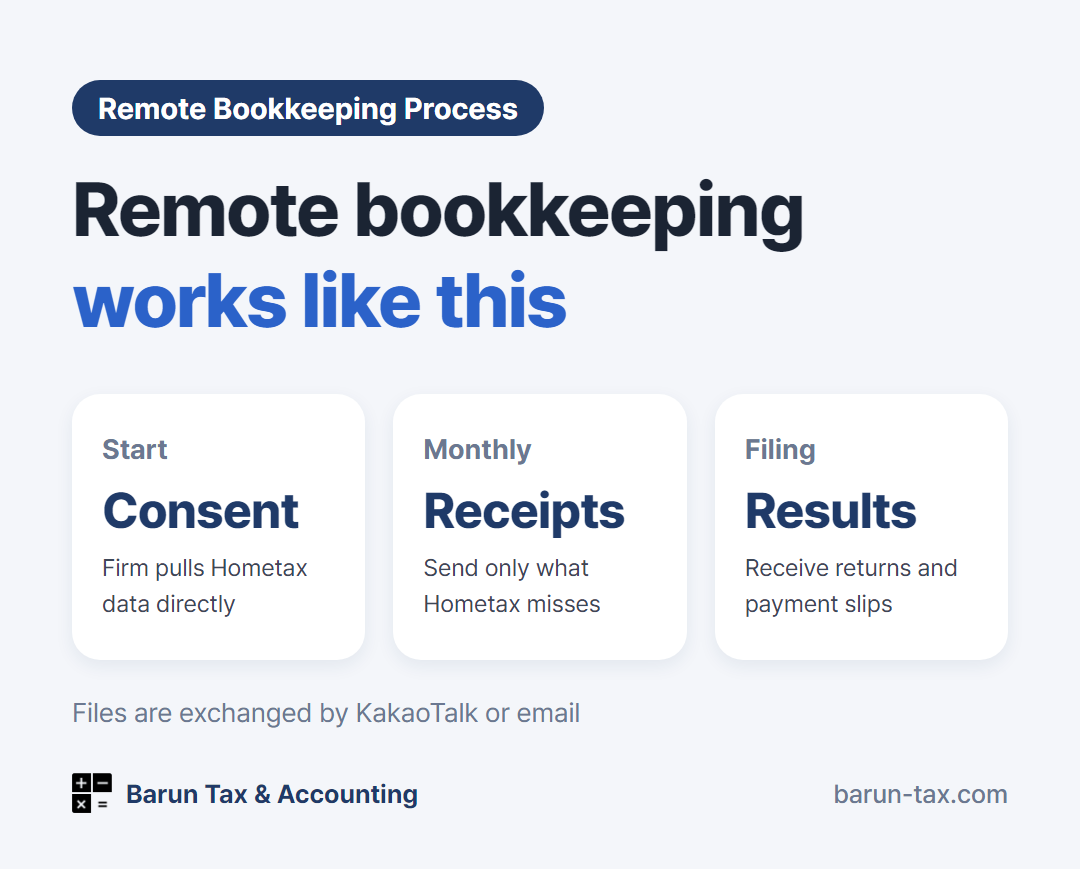
With remote bookkeeping, you hand over your books and filings without visiting an office, exchanging documents by KakaoTalk or email. The firm pulls tax invoices, card and cash receipt data directly from Hometax (홈택스) with your approval, so you only send bank statements and the expenses and payroll changes that Hometax does not capture. The work is the same as in-person bookkeeping.
Remote bookkeeping step by step
| Step | What happens |
|---|---|
| 1. Consultation | Tell the firm your business type, revenue size, number of employees and the services you need, by KakaoTalk, email or inquiry form |
| 2. Document review | Send the documents the firm needs, such as past filings and books, so the scope of work can be confirmed |
| 3. Fee quote and contract | Receive a fee quote that fits the scope of work, then sign |
| 4. Hometax approval | The firm registers as your agent in Hometax, then you approve it |
| 5. Monthly routine | The firm pulls the Hometax data, and you send only the missing documents |
| 6. Filing and results | You receive the filing results and related documents such as returns and payment slips |
Data the firm pulls directly from Hometax
After you approve the firm as your agent, it looks up the following data itself, so you do not need to send it.
- Electronic tax invoices and electronic invoices (sales and purchases)
- Business credit card transactions registered in Hometax
- Cash receipts (sales and purchases)
- Card sales and past filing records
If you register your business credit card in Hometax and ask suppliers for electronic tax invoices, the number of documents you have to send drops sharply.
What you send: items Hometax does not capture
| Item | How to send |
|---|---|
| Business bank account statements | Download as Excel or PDF from your banking app and send |
| Simple receipts and cash expenses | Take a photo and send |
| Cash sales and overseas payment sales | Send the sales file or settlement statement |
| Employee hiring, resignation and payroll changes | Send the changed dates and amounts by message |
| Large purchases (equipment, interior work, vehicles) | Send the contract and tax invoice |
Rather than sending everything at once in January, May and July, when filings pile up, send on a set day each month. This keeps the books from falling behind and makes it easier to estimate your tax before filing.
What to check when hiring remotely
- Contact channel and reply speed: Who you contact, through which channel, and how quickly they answer questions
- Pre-filing notice: Whether the firm tells you the expected tax before filing
- Scope of work: Whether VAT, withholding tax and four major social insurance are included in the bookkeeping fee, and whether the year-end closing and filing fee (adjustment fee, 조정료) is charged separately
When you can do it yourself · When to hand it over
You can handle it yourself if
- Almost all your sales and expenses appear in Hometax, and you have used the Hometax filing screens before
Better to hand it over if
- You have no time to visit an office, and prefer sending documents as photos or files
- You have transactions Hometax does not capture, such as cash sales, overseas payments or employee payroll
- Your business is outside the city, and you want a firm that is easy to reach rather than one nearby
Barun Tax & Accounting handles remote bookkeeping and filings for foreign residents and foreign-owned companies anywhere in Korea. We reply to emails within one business day. contact@barun-tax.com · KakaoTalk · +82-10-2701-6199